

Tischify app
Your restaurant in your pocket.
Reservations, orders and messages on your phone. For you and your team.


Free download. Create an account in the app or sign in.
Already have an account, or prefer to start in the app? Open the app
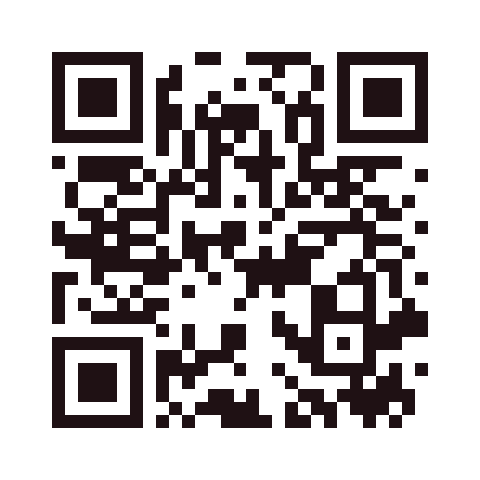 iPhone and iPad
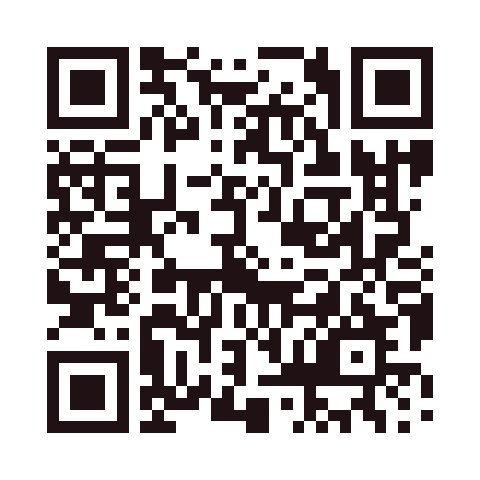 Android
Scan the QR code with your phone camera to open the store.
Push when something happens
Channels (app, email, push) are set per person. The app icon shows the number of unread notifications.
- New reservation
- Waiting-list entry, cancellation or changed arrival time
- New pickup order
- New contact message
Manage it on your phone
Day list and walk-ins
Keep the evening under control, even between two tables.
Confirm reservations
Accept or decline requests, mark the guest.
Website and photos
Change texts, take photos with the camera.
Opening hours and holidays
Adjust hours, close the restaurant temporarily.
Pause orders
Table and pickup separately, with one tap.
Central search
Find reservations, guests, orders and messages.
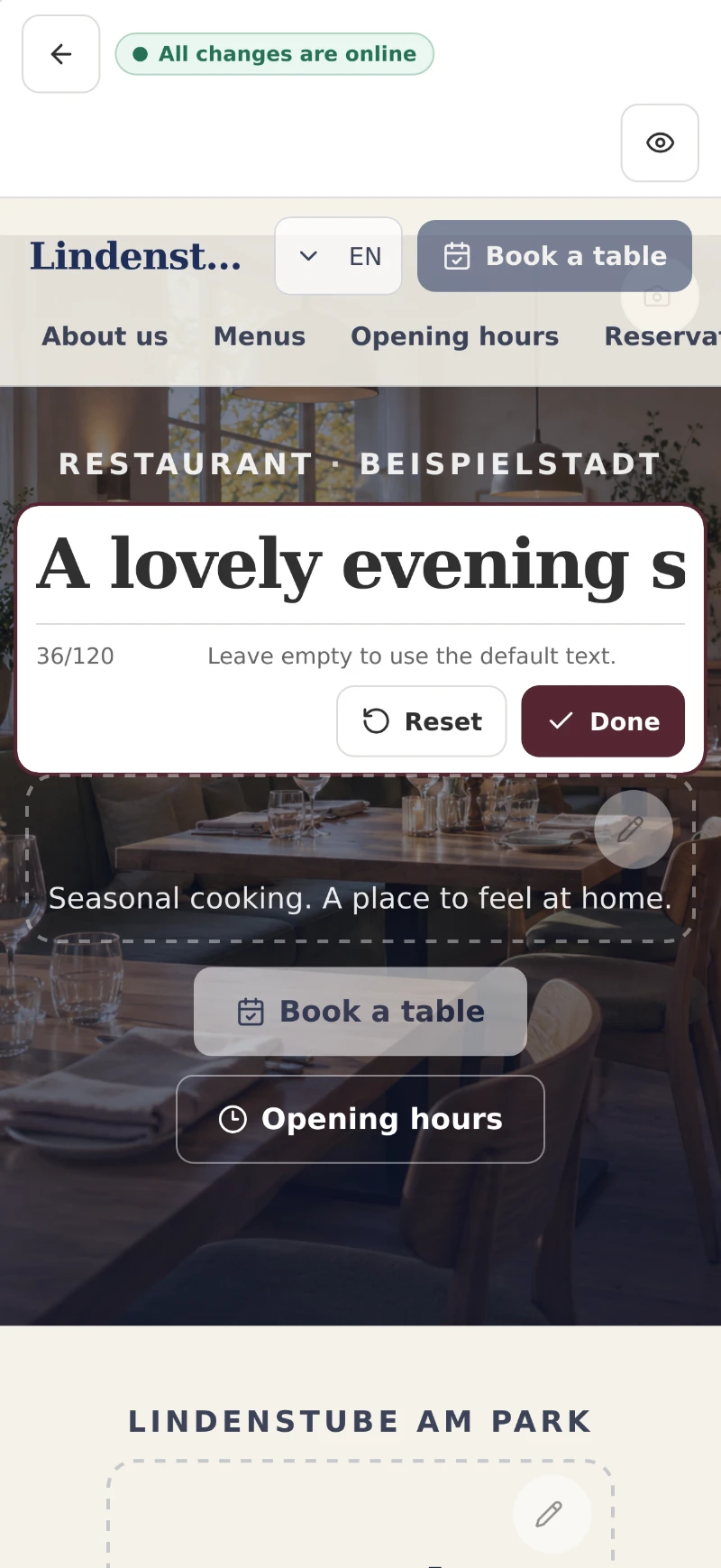
Real Tischify interface with fictional sample data.
Your team in three steps
Show the QR code
In the app under Team.
Scan and sign in
With their own email and a code. No password.
Set permissions
Reservations by default; grant further rights as needed.
Also on PC and tablet
In the browser, with the same data and notifications.
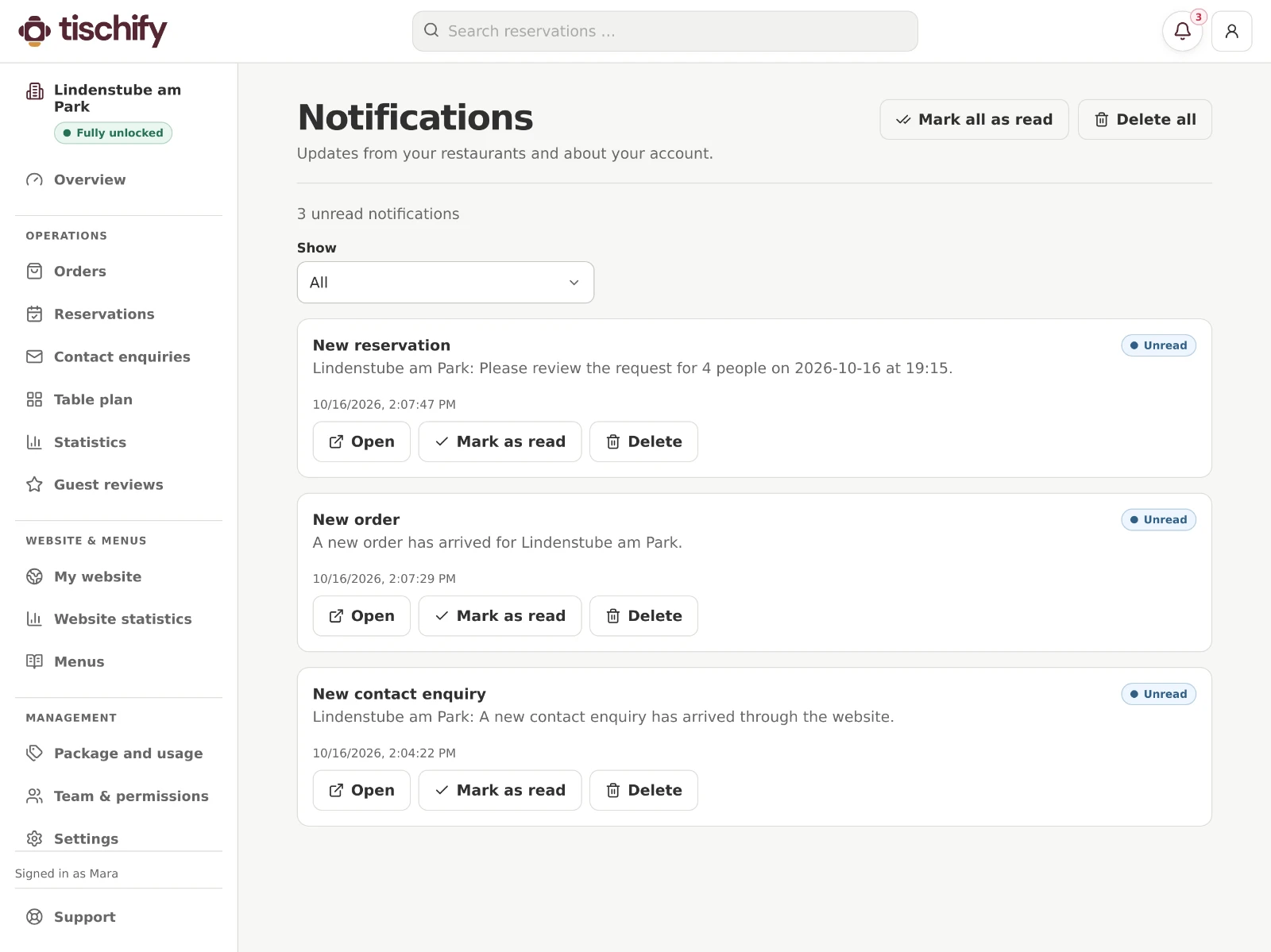
Real Tischify interface with fictional sample data.
Common questions
Common questions
Does the app cost anything?
The download is free. Which features you can use depends on your restaurant’s plan.
Do my guests need the app?
No. Guests book, read the menu and order in the browser.
Which devices?
iPhone, iPad and Android. On PC and tablet also in the browser.
How does my team join?
You show the QR code, staff scan it and sign in with an email code.
How do I start?
Either create your free website first, or create an account directly in the app. Both work with your email, no password.